

Businesses that accept credit and debit cards have a lot of information to understand about how payments are processed. This article will focus on processing error codes 57 and 58. These codes represent transactions not permitted to cardholders and transactions not permitted to terminals, respectively. Continue reading this guide to learn what these errors mean and how to handle them.
What Does Transaction Not Permitted to Cardholder Mean?
Transaction Not Permitted Table of Contents
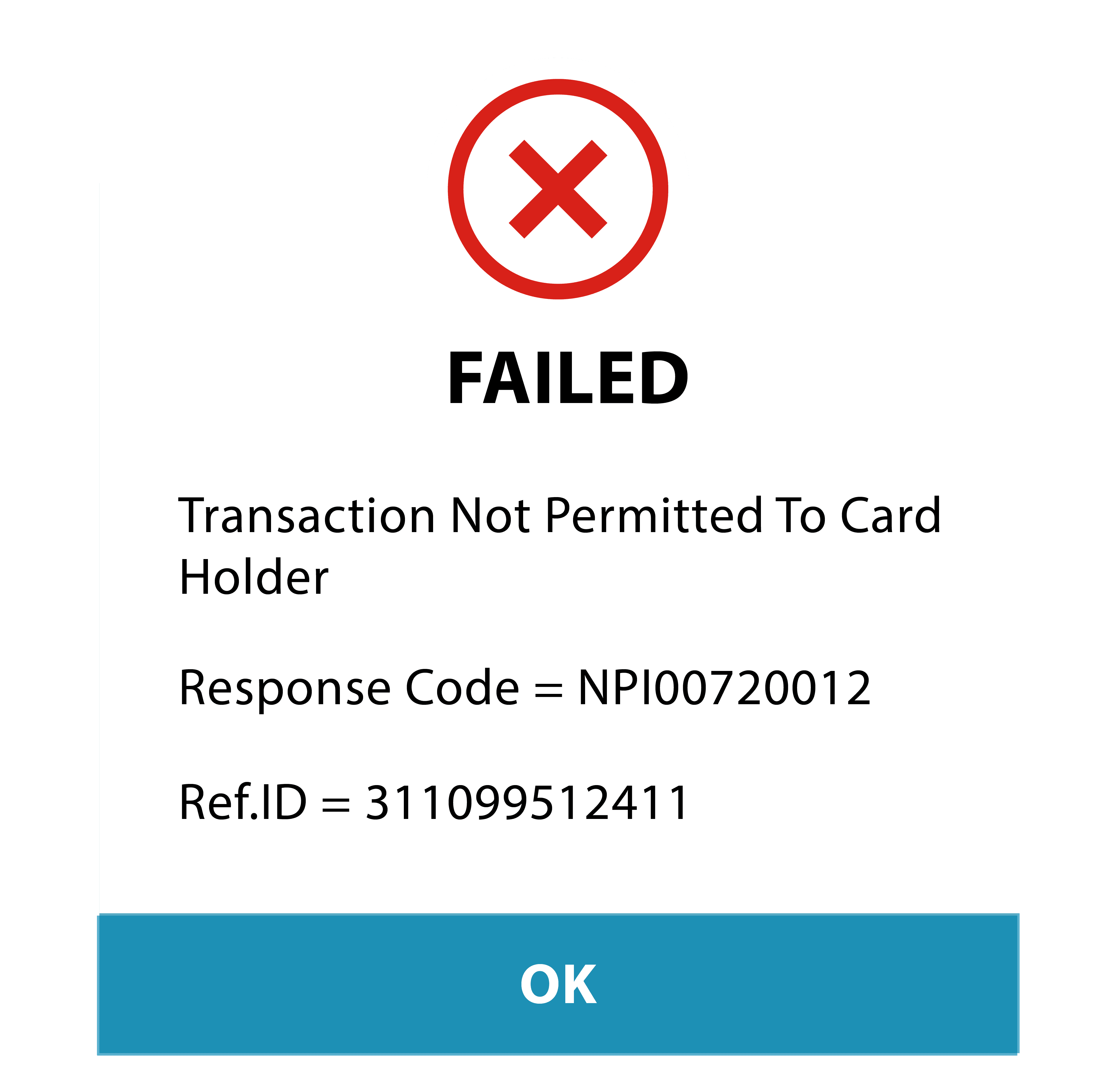 Transaction not Permitted to Cardholder is a response code returned by a payment processor or issuer when a transaction is attempted with a credit or debit card flagged as restricted or blocked. This could occur for various reasons, such as a suspected fraud attempt, a card that has been reported lost or stolen, or a card that has been blocked by the cardholder’s bank or financial institution.
Regardless of the decline, the transaction will not be approved, and the card cannot be used for the attempted purchase. When this happens, the POS system will give the merchant Error Code 57 to inform the merchant why the transaction was declined.
What Does Transaction Not Permitted to Terminal Mean?
Transaction not Permitted by Terminal is a response code returned by a payment processor or issuer when a transaction is attempted but not allowed by the merchant’s terminal or point-of-sale (POS) system. This could occur for a variety of reasons, such as a restriction set by the merchant on the type of card that can be used for the purchase, a limit on the amount that can be charged to a card, or a restriction on the type of transaction that the terminal can process.
The transaction will not be approved, and the card cannot be used for the attempted purchase. The POS system will report an Error Code 58 to signify the reason for the declined transaction.
What are Card Processing Error Codes?
Card processing error codes indicate a specific error or issue while processing a card payment transaction. These codes are used to communicate the status of a transaction to the merchant and can include a variety of reasons for which the transaction was declined. Some error codes are more easily remedied than others.
Examples of typical card processing error codes include “card declined,” “insufficient funds,” “expired card,” and “invalid card number.” The card issuer or payment processor returns these codes during the transaction process and can be used by the merchant to take appropriate action. In the case of “transaction not permitted” errors, those codes will be Error 57 (transaction not permitted to cardholder), and Error 58 (transaction not permitted to terminal).
How to Handle Transaction Not Permitted Errors
Knowing how to handle “transaction not permitted” errors will help you save face with your customers and recover sales that may be lost. The next section will look at specific steps to take when assessing these situations. However, your priority should be customer service.
When errors occur with a customer’s card, it can be unpleasant and even triggering for the cardholder. It’s important to assume the best in people, while also going through the investigation of the error. Treating the cardholder respectfully throughout the process is critical to recovering the sale and maintaining the relationship.
How to Handle "Transaction Not Permitted to Cardholder"
Error code 57, also known as “transaction not permitted to cardholder,” indicates that the card issuer has declined the transaction because it does not allow that transaction for the specific cardholder. This can happen for various reasons, such as a restriction on the cardholder’s account or a limitation on the purchase type.
To handle an error code 57, the merchant should first check to make sure that all the information entered for the transaction is correct, including the card number, expiration date, and CVV code. If the information is correct and the transaction is still being declined, the merchant should contact the cardholder to verify that the transaction is legitimate and that the cardholder has not placed any restrictions on their account.
If the cardholder confirms that the transaction is legitimate, the merchant should contact the card issuer to inquire about the decline and to see if there is any additional information that can be provided. The merchant may also want to consider offering the customer an alternative form of payment.
It’s important to note that in some cases the restriction may be due to suspicious activities so the merchant should try to detect and report any suspicious activities. You can do so by using the fraud prevention and detection tools you already have in place for your business.
How to Handle "Transaction Not Permitted to Terminal"
Error code 58, also known as “transaction not permitted to terminal,” indicates that the card issuer has declined the transaction because the card being used is not allowed for that type of transaction on the specific terminal. This can happen for a variety of reasons, such as a restriction on the card’s usage or a limitation on the type of terminal being used.
To handle an error code 58, you should first check to ensure that the terminal you’re using is configured correctly and authorized to process the type of transaction being attempted. You should also check that the terminal is connected to the internet and is able to communicate with the card issuer.
If the terminal is configured correctly and the issue persists, your next step is to contact the card issuer to inquire about the decline and see if there is any additional information that can be provided. You may also want to consider offering the customer an alternative form of payment.
As with other error codes, it could be due to suspicious activity or suspected fraud. Remember to follow your fraud detection and prevention protocols while investigating the problem.
Final Thoughts
Error codes are a common part of daily operations when you run a business. The more you learn about these codes and how to manage them, the more efficient you will become. There is no way to eliminate them from your operation completely, so your best bet is to have a process in place for handling them as they arise.
